How Stripchat Spy Mode Helps You Earn More
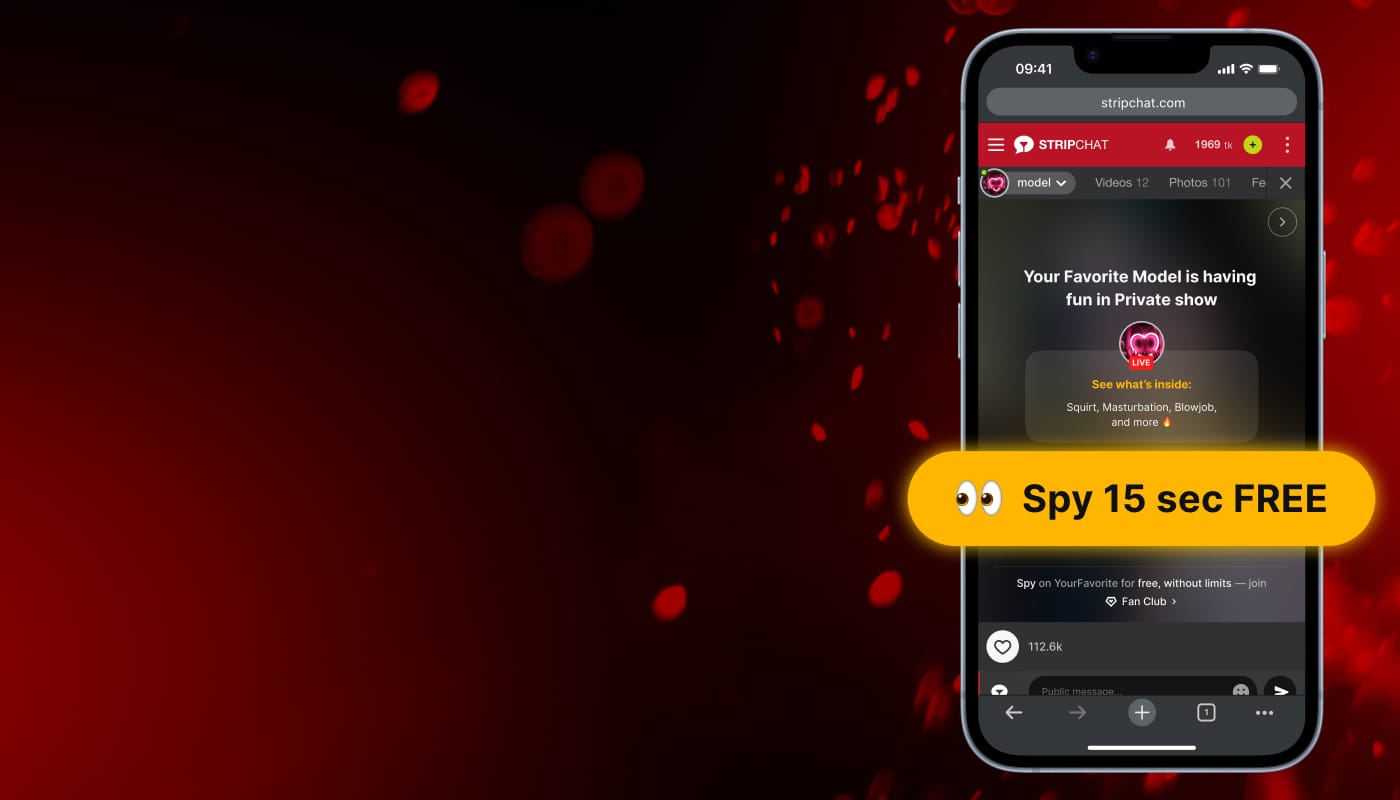
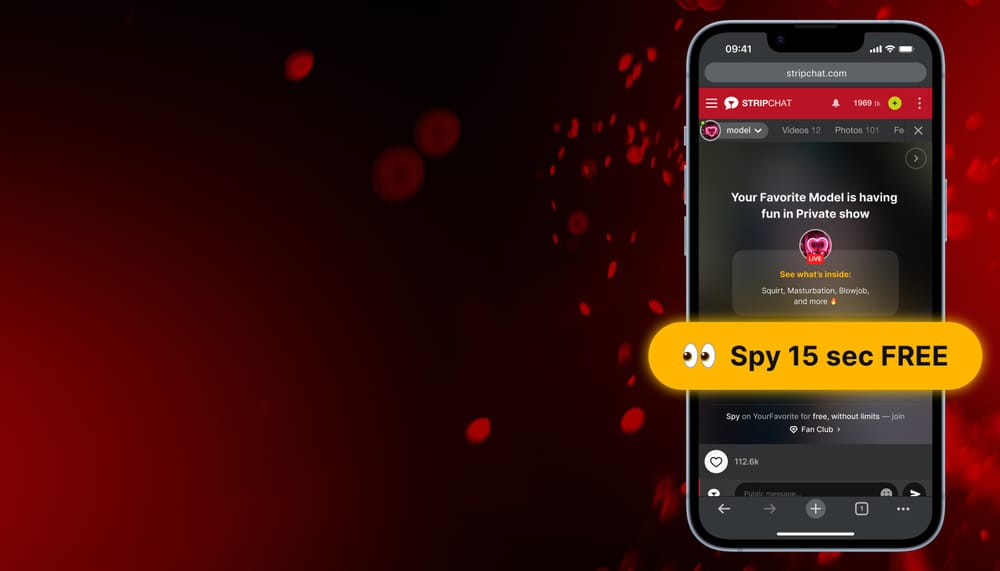
Stripchat's Spy mode is another great way to monetize your streams. It allows you to move your show out of the public view while still giving potential viewers a chance to discover your content and pay to watch.
Spy mode can create an additional source of income and help attract users who are interested in private content but need a little preview before committing.
How Spy Mode Works
Spy mode lets you manually remove your show from the public section and place it in the "Spy on Shows" category.
Once enabled, users with tokens can watch your show for free for the first 15 seconds. This free preview is available only once per show and lets viewers get a taste of your content before deciding whether to pay for access.
After the preview ends, they must pay your spying rate to remain in the show. The rate is set by you and can range from 4 to 60 tokens per minute.
Why You Should Use Spy Mode
One of the biggest challenges in converting viewers into paying users is getting them interested enough to spend tokens. Spy mode helps solve this by offering a short preview of your content.
Instead of asking viewers to pay immediately, you can show them what they're missing. Once they get a taste of your show, they may be more likely to continue watching as paying spies.
For many models, Spy mode becomes an additional earning opportunity alongside public tips, Private show, Fan Club subscriptions, and other sources.
Give Them a Real Show
When viewers enter Spy mode, they expect to see a genuine ongoing broadcast.
So, it's important to stay present and active on camera while using the feature. Viewers enter Spy mode expecting to watch a real, ongoing show, and it's important to meet those expectations. Models found using Spy mode while away from the camera may receive a 7-day block without warning.
The best approach is simple: if you're using Spy mode, make sure there's something worth watching.
How to Enable Spy Mode
Getting started takes only a few steps:
- Open Settings and Privacy.
- Choose your Spying Pricing.
- Start your broadcast.
- Click Start Spy mode.
- Confirm by selecting Switch to Spy mode.
Whenever you want to return to a regular public broadcast, simply click "End Spy mode."
Tracking Your Spy Mode Performance
Like any monetization feature, Spy mode works best when you track your results. You can review your earnings through the Earnings Statistics page, accessible from the token balance button in the header.
The Earnings tab shows all transactions, while the Paying Users tab provides a more detailed breakdown by user. There, you can see earnings from different sources, including Spy mode. Statistics update every 24 hours and can be viewed by month or across your lifetime on the platform.
Don’t forget: regularly reviewing your statistics can help you make more informed decisions about your shows and monetization strategy.